

Compliance
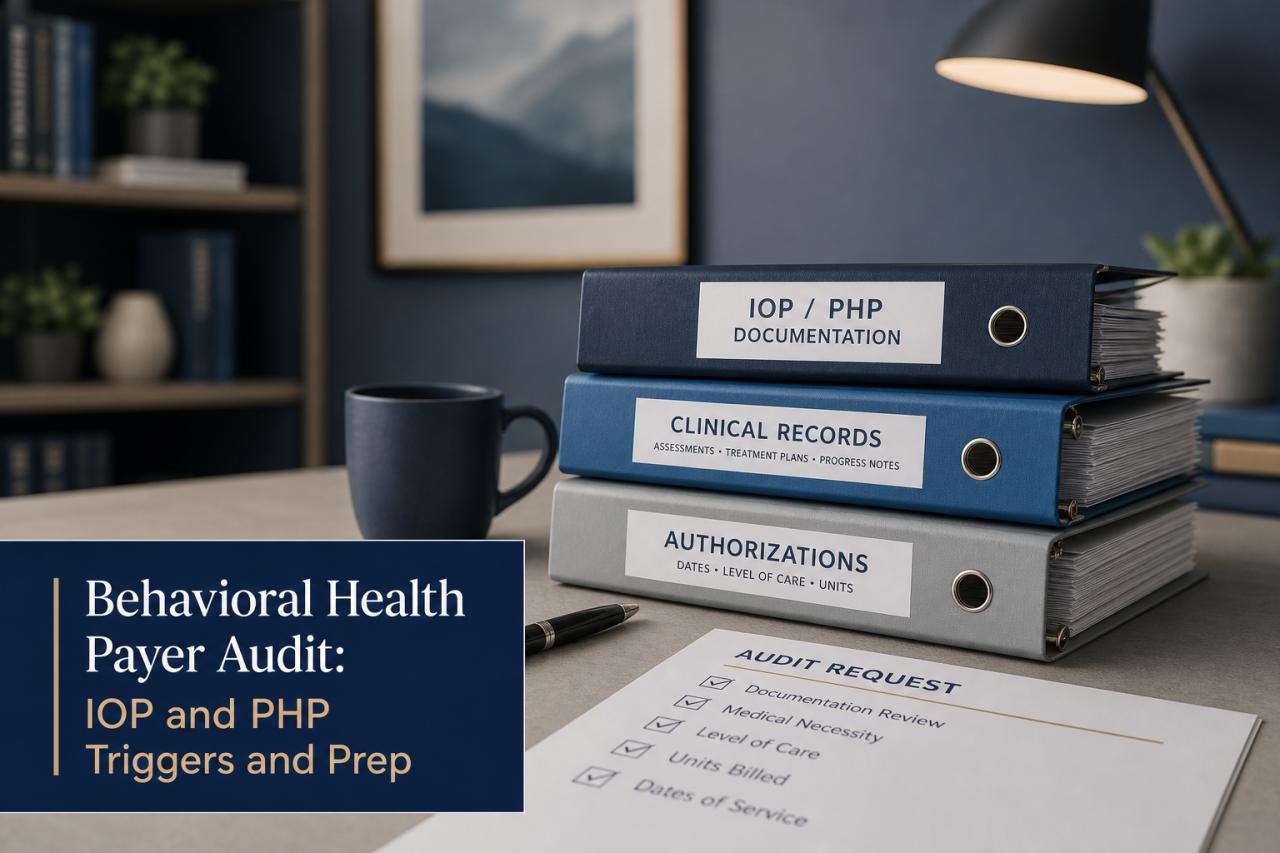
Behavioral Health Payer Audit: IOP and PHP Triggers and Prep
9 min read
You'll be able to tell whether a Carelon notice is a review before payment or a recovery after payment, and who on your team should own each response.
Cipher Billing
Behavioral Health Billing Team
You'll be able to tell whether a Carelon notice is a review before payment or a recovery after payment, and who on your team should own each response.
The notice on your desk tells you which kind of Carelon pre-pay recovery auditing you're facing. A prepayment review holds claims for records before Carelon pays them, while a postpayment recovery looks back at claims already paid and can end in a refund request or offset. Each has its own owner, packet, and deadline clock, and the notice is the controlling document.
A prepayment review means Carelon pulls a claim out of the normal payment flow and asks for supporting records before it will pay. The claim isn't denied at that point. It sits in a pending status until the records arrive and a reviewer decides whether the documentation supports what you billed. Carelon describes its payment integrity programs in its own provider materials, and the program names and steps can change, so treat the notice you received as the controlling document.
You'll usually see the hold first in your remittance data or portal, where claims show as pending rather than paid or denied. Check whether the notice names specific claims, a specific service type, or a category of claims. That tells you whether Carelon is looking at a few dates of service or at a pattern, and it sets how large your packet will be.
Revenue stalls while a claim is held, so assign one person to own the request on the day it arrives. In most treatment centers that's the billing manager, with the compliance lead approving what leaves the building. The clinical director or UR lead pulls the medical necessity documentation, since they know where the assessments, treatment plans, and progress notes live. Your utilization review records matter here because authorization history and level-of-care justification are often the first things a reviewer compares against the chart.
Before you send anything, confirm three details from the notice: which claims and dates of service are covered, where and how records must be submitted, and the response date printed on the notice.
Review rules vary by payer, plan, and contract, so confirm the details in your provider agreement and Carelon's current provider manual. Our pre-payment review service checks documentation against payer rules before claims go out, which is where you can prevent a hold.
A postpayment recovery audit starts after Carelon has already sent you money, which is why the request often lands months after the dates of service and catches teams off guard. Carelon reviews the paid claims against the records you submitted or will now be asked to produce. If the reviewer decides the documentation doesn't support the payment, the result can be a refund request or an offset, meaning Carelon recoups the amount by reducing payments on other claims you submit later.
The offset is the part to watch in your remittance data. Payments on unrelated claims can come in lower than expected, and the explanation sits in the remittance detail rather than in a phone call. Ask your A/R follow-up and posting staff to flag any unexplained reduction the same day they post it, then match it to the notice.
Unlike a prepayment hold, nothing is pending here. The money is already in your account and may already be spent on payroll, so the finding itself matters more than the speed of your first reply. Read the notice for three items: the claims and dates of service under review, the stated reason for any proposed adjustment, and the date by which you must respond or dispute.
The names, steps, and look-back periods in Carelon's programs can change. Your provider agreement and the notice itself control what applies to you, so confirm both before you set a response plan.
Because a finding can reverse a payment you've already booked as revenue, bring in your compliance lead early and ask counsel to review any large recovery amount before you reply. Keep your own copy of everything you send, since the same records often support a later dispute.
The notice itself lists what Carelon wants, and that list should drive your packet, because a reviewer who can't find a requested document will often treat the gap as a finding. Requests vary by payer, plan, and contract, so work from the exact wording in your notice and confirm it against Carelon's current provider manual.
For a treatment center, the medical necessity packet generally covers the clinical story behind each billed day or session. That usually means the intake assessment, the diagnosis and level-of-care justification, the treatment plan with its updates, and the progress notes for every date of service under review. Ask your clinical team to include signed orders and clinician attestations where your program requires them, since an unsigned note is one of the easier things for a reviewer to question. If your center follows the ASAM criteria for level-of-care decisions, the documentation should show how the person's presentation matched the level you billed.
Pair the clinical records with the billing side. Reviewers commonly compare the chart to the claim, so pull the claim form, the authorization history, and any attendance or census records showing the person was present on the billed dates. Check that each billed code and date of service matches a note in the chart. Where a note is missing or a date is off, don't repair it after the fact. Late entries have to be labeled as late entries under your facility's documentation policy, and your compliance lead should approve them before they go out.
Send only what the notice requests. Extra records can widen a review, and your in-house compliance process should decide what's responsive. The medical billing audit checklist for behavioral health gives you a way to test a packet against the chart before it leaves the building.
Set up one shared audit file the day the notice arrives, and log every request in a single tracker that your billing manager, compliance lead, and clinical director can all see. Each row should hold the notice date, the response date printed on it, the claims and dates of service covered, the person who owns the pull, and the date the packet was sent. Take the response date straight from the notice rather than from memory or a phone call, since the notice and your provider agreement control the timing.
Work backward from that date. Give clinical staff the first stretch to gather charts, leave a middle stretch for the billing manager to match each note to its claim, and reserve the last days for compliance review and submission. For example, if the printed date is the 30th, set your internal deadline for the 25th so a missing signature or a wrong date of service won't push you past the line.
Keep the proof of delivery with the tracker. Use the submission method named in the notice, save the confirmation or tracking record, and note who sent it and when. If Carelon later says records never arrived, that record is your answer.
After you submit, the notice or provider manual may set a window for a determination and a separate window to dispute it, and those dates can differ from the original response date. Add each one to the tracker the moment you learn it. If a deadline looks unclear or too short for the volume requested, contact Carelon in writing before it passes and keep a copy of the request.
Your claim denial appeal process can serve as the template for how you document each step, since an audit dispute and an appeal both depend on a clean paper trail.
Carelon's written finding tells you what it decided and why, and your dispute has to answer that stated reason point by point. Start by laying the finding next to the chart and the claim. If the reviewer says a note didn't support the level of care, find the assessment, treatment plan entry, or progress note that does, and mark exactly where it sits in the record.
Dispute only the findings you can support. A finding that rests on a missing signature or a date mismatch is a different problem from one that rests on a clinical judgment about medical necessity, and your response should say which one you're addressing.
Follow the dispute steps in the notice and your provider agreement, since the submission method, the window to file, and the number of review levels can differ by payer, plan, and contract. Confirm them against Carelon's current provider manual before you send anything. Then build the dispute file with four parts: a cover letter naming the claims, dates of service, and the finding you're contesting; the records that answer the stated reason, with relevant passages marked; any authorization history or level-of-care documentation the reviewer didn't weigh; and proof of how and when you submitted it.
Your compliance lead should approve the file before it goes out, and the same paper trail you use for a claim appeal applies here.
When a proposed refund or offset is large, involve counsel before you reply or agree to repayment. Counsel can read the provider agreement for rights you may not know you have, including limits on recoupment while a dispute is open. Keep every response in writing and add each new deadline to your tracker the day it arrives.
Most audit findings trace back to a gap that existed in the chart on the day the claim was billed, so the cheapest fix is a check that happens before submission. Build that check around four habits. Have clinicians sign and date every note within your facility's policy window, and make sure each billed date of service matches a note describing what happened that day. Confirm that the treatment plan is current and that the level-of-care justification matches the level on the claim. Keep authorization numbers and approved dates in the record next to the claims they cover, with your utilization review staff updating them whenever a payer extends or ends a stay.
Cipher's pre-payment review applies that same discipline from the billing side. We compare documentation against the payer's rules before claims go out, and we flag missing signatures, mismatched dates, and code-to-note gaps for your team to fix through your own documentation policy. It reduces what a reviewer can question, but it can't predict how Carelon will decide any specific claim, and payer rules vary by plan and contract.
Onboarding with Cipher starts with an audit of your documentation before any claims are submitted, and we work inside the EHR you already use, such as Kipu, Sunwave, or ZenCharts, so clinical staff don't learn new software. A dedicated U.S.-based Partner Experience Executive coordinates the work with your team.
You can request a free facility billing audit through our contact page and bring the Carelon notice you're working through.
This post is educational and isn't legal or coding advice.
Carelon, provider materials
About the Author
Behavioral Health Billing Team
In This Article
Topics


Cipher Billing specializes in behavioral health revenue cycle management. Reach out for a free consultation and see how we can maximize your reimbursements.